How to Secure Your Digital Life in 2026: A Practical, No-Nonsense Guide

If your digital life feels scattered across apps, devices, and accounts, you're not alone—and you're also a bigger target than you think. Most people assume cybersecurity is about avoiding obvious scams. It’s not. It’s about reducing your attack surface, tightening weak points, and making yourself a frustrating target.
This guide walks through exactly how to lock down your digital life without turning it into a full-time job.
Step 1: Audit What You Actually Have
You can’t secure what you don’t track. Start by mapping your digital footprint.
- Email accounts (primary, backups, old ones)
- Financial accounts (banks, crypto, payment apps)
- Social media profiles
- Cloud storage (Google Drive, iCloud, Dropbox)
- Devices (phones, laptops, tablets, smart home gear)
Write them down. Yes, physically or in a secure note. You’ll be surprised how many forgotten accounts still exist—and every one of them is a potential entry point.
Step 2: Use a Password Manager (Non-Negotiable)
If you're reusing passwords, you’re already compromised—you just don’t know it yet.
A password manager does three things:
- Generates strong, unique passwords
- Stores them securely
- Autofills them so you don’t need to remember anything
Pick a reputable option (Bitwarden, 1Password, Proton Pass). Then:
- Set a strong master password (long phrase > complex gibberish)
- Enable biometric unlock if available
- Start replacing reused passwords one account at a time
This step alone eliminates the most common breach scenario: credential stuffing.
Step 3: Turn On Multi-Factor Authentication (MFA)
Passwords fail. MFA is your backup.
Prioritize MFA on:
- Email accounts (especially your primary email)
- Banking and financial services
- Password manager
- Cloud storage
Use an authenticator app (like Authy or Google Authenticator) instead of SMS when possible. SMS can be hijacked through SIM swap attacks.
If you want the gold standard, use a hardware security key.
Step 4: Lock Down Your Email (Your Digital Skeleton Key)
Your email account resets everything else. If someone gets in, they can take over your entire digital identity.
Do the following:
- Use a unique password (from your manager)
- Enable MFA (non-SMS)
- Remove old recovery emails and phone numbers
- Review login history and active sessions
Also consider using separate email addresses for different purposes (finance vs. social vs. junk).
Step 5: Secure Your Devices Like They Matter (Because They Do)

Your accounts are only as secure as the device accessing them.
- Enable full-disk encryption (FileVault, BitLocker)
- Use a strong device passcode (not 123456)
- Turn on automatic updates
- Install apps only from official stores
If your laptop gets stolen and isn’t encrypted, assume everything on it is compromised.
Step 6: Clean Up Old Accounts and Permissions

Unused accounts are liabilities. So are apps you connected years ago and forgot.
Go through:
- Google account → Security → Third-party access
- Facebook → Apps and websites
- Apple ID → Connected apps
Revoke anything you don’t actively use. Delete accounts that no longer serve a purpose.
Step 7: Monitor for Breaches and Suspicious Activity
Even if you do everything right, breaches still happen.
Set up monitoring:
- Use breach alert services (like Have I Been Pwned)
- Enable login alerts on major accounts
- Review financial transactions regularly
The faster you detect something, the easier it is to contain.
Step 8: Understand Social Engineering (The Real Weak Point)

Most attacks don’t break systems—they trick people.
Watch for:
- Urgent messages asking for action
- Links that mimic real websites
- Requests for verification codes
No legitimate company will ask for your password or MFA code. Ever.
Step 9: Segment Your Digital Life
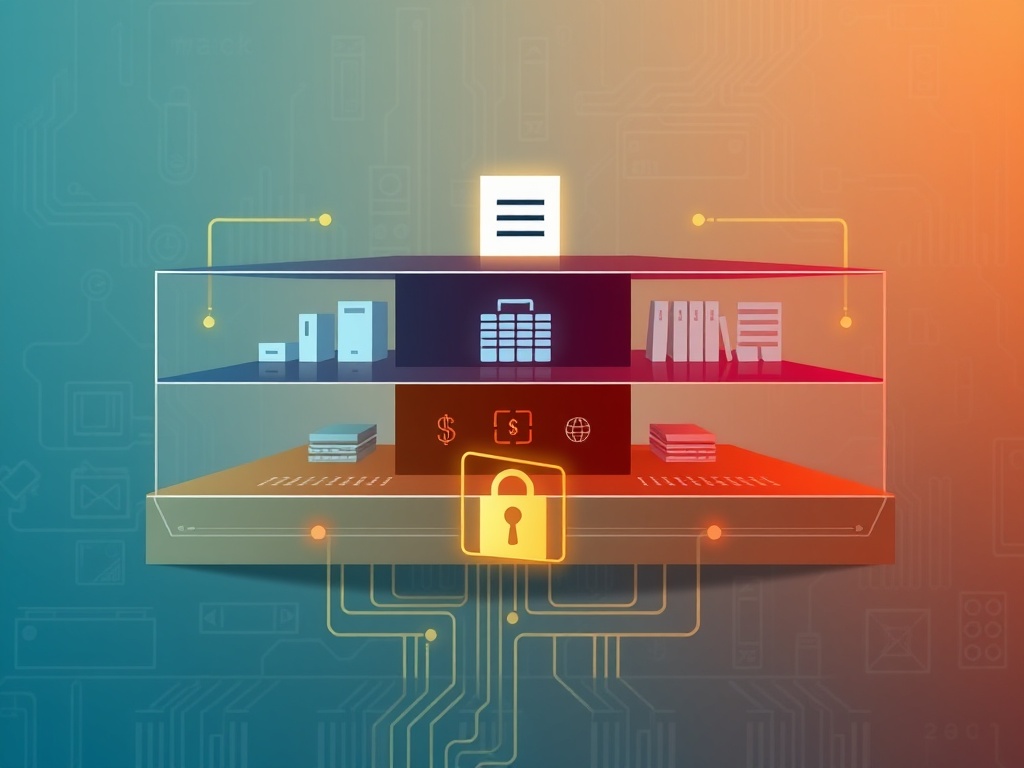
Don’t put everything in one basket.
- Use separate emails for banking vs. social accounts
- Consider a dedicated device for sensitive tasks
- Avoid logging into everything from everywhere
This limits damage if one area is compromised.
Step 10: Build Habits, Not Just Setup

Security isn’t a one-time project. It’s ongoing maintenance.
- Review accounts quarterly
- Update passwords after breaches
- Stay informed about new threats
The goal isn’t perfection—it’s resilience.
Final Thought
You don’t need to be invisible online. You just need to be harder to exploit than the next target.
Most attackers are opportunistic. If your setup requires real effort to break, they move on.
That’s the entire game.
Steps
- 1
Audit Your Digital Footprint
- 2
Use a Password Manager
- 3
Enable Multi-Factor Authentication
- 4
Secure Your Email
- 5
Protect Your Devices
- 6
Clean Up Old Accounts
- 7
Monitor for Breaches
- 8
Understand Social Engineering
- 9
Segment Your Digital Life
- 10
Maintain Security Habits